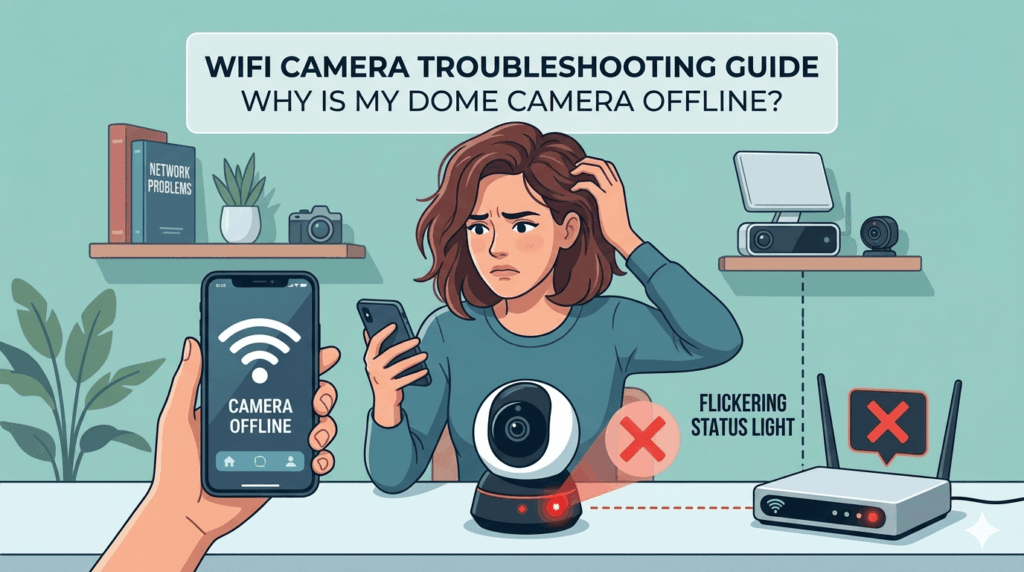
There is a specific kind of rage that only a “Device Offline” notification can trigger—
Here is how to get back online without losing your mind.
The “Real” Power Cycle:
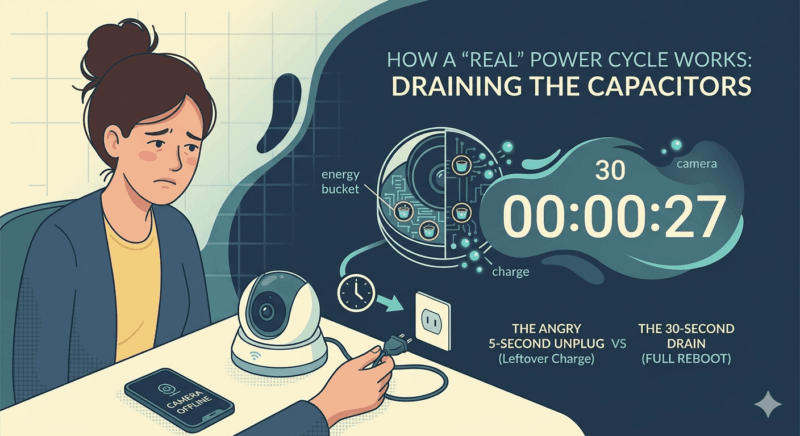
Most people do a five-second “angry unplug.” That’s not enough. Tiny energy buckets inside (capacitors) hold a charge; if you don’t let them drain, the camera never actually reboots.
- The Fix: Unplug it and wait a full 60 seconds.
- Pro Tip: If your camera is in a hard-to-reach spot, plug it into a [Outdoor Smart Plug]. It lets you “unplug” it from your phone next time it glitches.
The WiFi Tug-of-War if wifi camera offline:
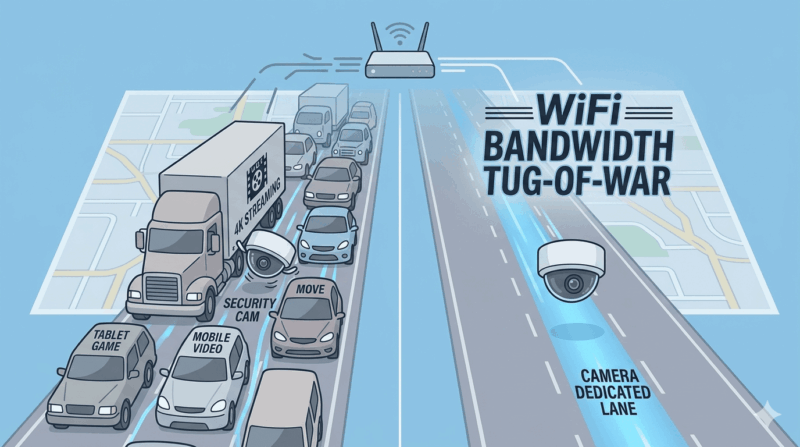
Your camera is fighting for “bandwidth”—think of it like a highway lane. If your family is streaming 4K movies, your camera gets shoved into the slow lane.
- The 2.4GHz Trick: Most cameras hate 5GHz WiFi. Ensure your camera is on the 2.4GHz band—it’s slower, but it punches through brick walls much better.
- The Fix: If your signal is still weak, you might need a [Mesh WiFi System] or a [WiFi Range Extender] to bridge the gap to your porch.
The “Brain Juice” (Firmware):

“Firmware” is just the internal software. If it’s out of date, the camera starts glitching because it can’t talk to the app anymore.
- The Fix: Check your app for a “System Update.” If the camera won’t connect, bring it inside, sit it next to the router, and update it there before mounting it back outside.
The “I Can’t Believe I Forgot This” Tip:
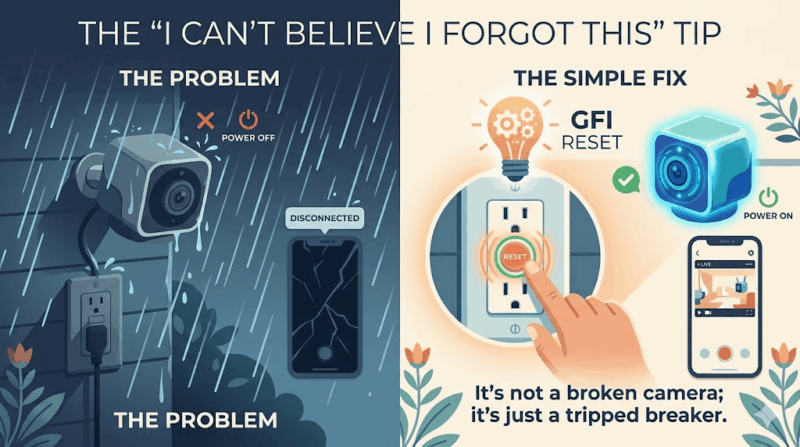
Check your GFI outlet. If your outdoor camera is plugged into an exterior socket, check the “Reset” button on the outlet itself. A heavy rain or power surge can trip that safety switch. It’s not a broken camera; it’s just a tripped breaker.
- The Tool: Keep a Simple Voltage Tester in your junk drawer to see if an outlet has power without having to take the whole camera down.
If Nothing Works: The Nuclear Option:
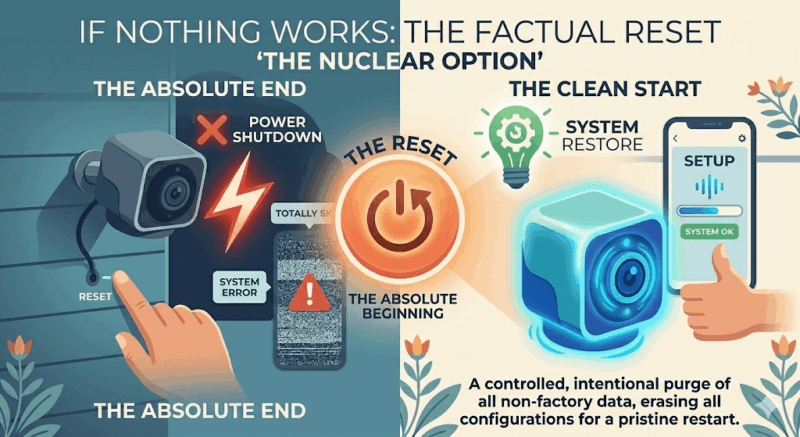
If you’ve done the long power cycle and the outlet is live, but it’s still playing dead:
- The Factory Reset: Find the tiny pinhole on the back. Jam a paperclip in there for 15 seconds. You’ll have to set it up like it’s brand new, but this clears out the “zombie” glitches.
- The Warranty Card: If a factory reset fails, the internal WiFi chip is likely fried. If it’s under a year old, call the manufacturer. Tell them you already did the 60-second reset and the factory wipe—they’ll usually skip the script and send a replacement.
- Upgrade: If you’re tired of the “budget” camera headache, it might be time to switch to a more reliable [Pro-Grade WiFi Camera] or a wired [PoE Camera System].
Stay safe out there. Your house is watching you (hopefully),